Smart Analysis 1000+ expert checks, from finding to fix.
Zscaler offers hundreds of configuration options, and knowing the optimal settings takes deep expertise and constant vigilance. Smart Analysis scans your ZIA and ZPA configuration continuously against an evergrowing library of expert-validated checks, ranks every finding by severity, and turns each one into a concrete remediation proposal you review before anything changes.
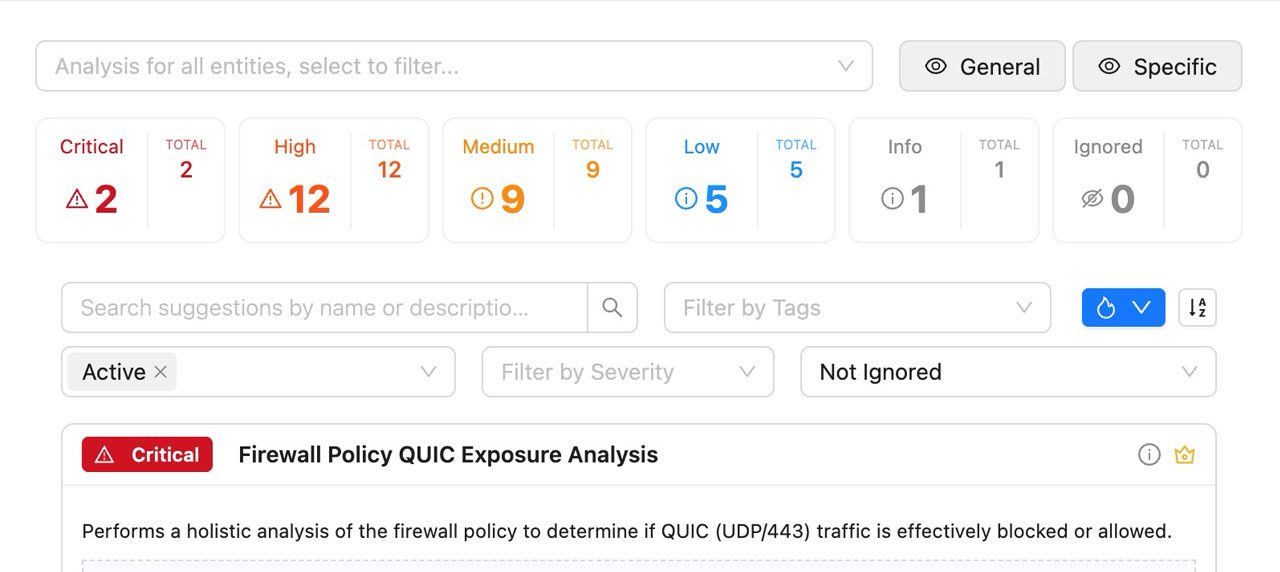
~60% fewer configuration errors with continuous automated analysis.
Expert knowledge, running continuously
Smart Analysis closes the expertise gap: optimal Zscaler configuration normally requires years of hands-on experience and constant manual review. ZHERO packages that expertise into 1000+ automated checks that run continuously against your ZIA and ZPA tenants, so weak configurations, drift and dead policies surface as prioritized findings with a clear path to remediation.
Analysis templates
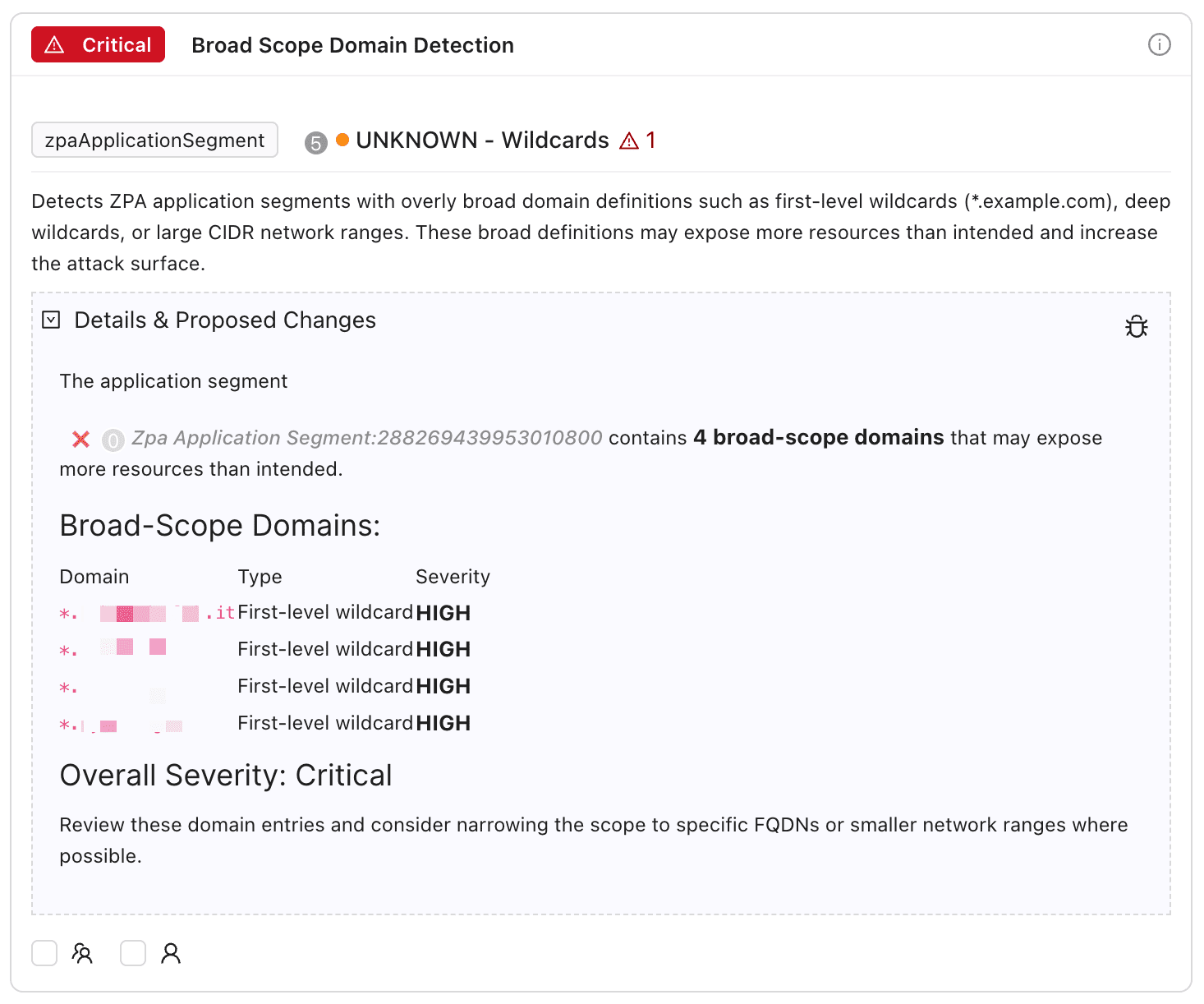
Best-practice analysis across ZIA and ZPA
Expert-validated templates cover access policy security, application segment hygiene and configuration cleanup, so unreachable policies, overly broad segments and unused configuration surface automatically with clear guidance.
Beyond ZIA and ZPA
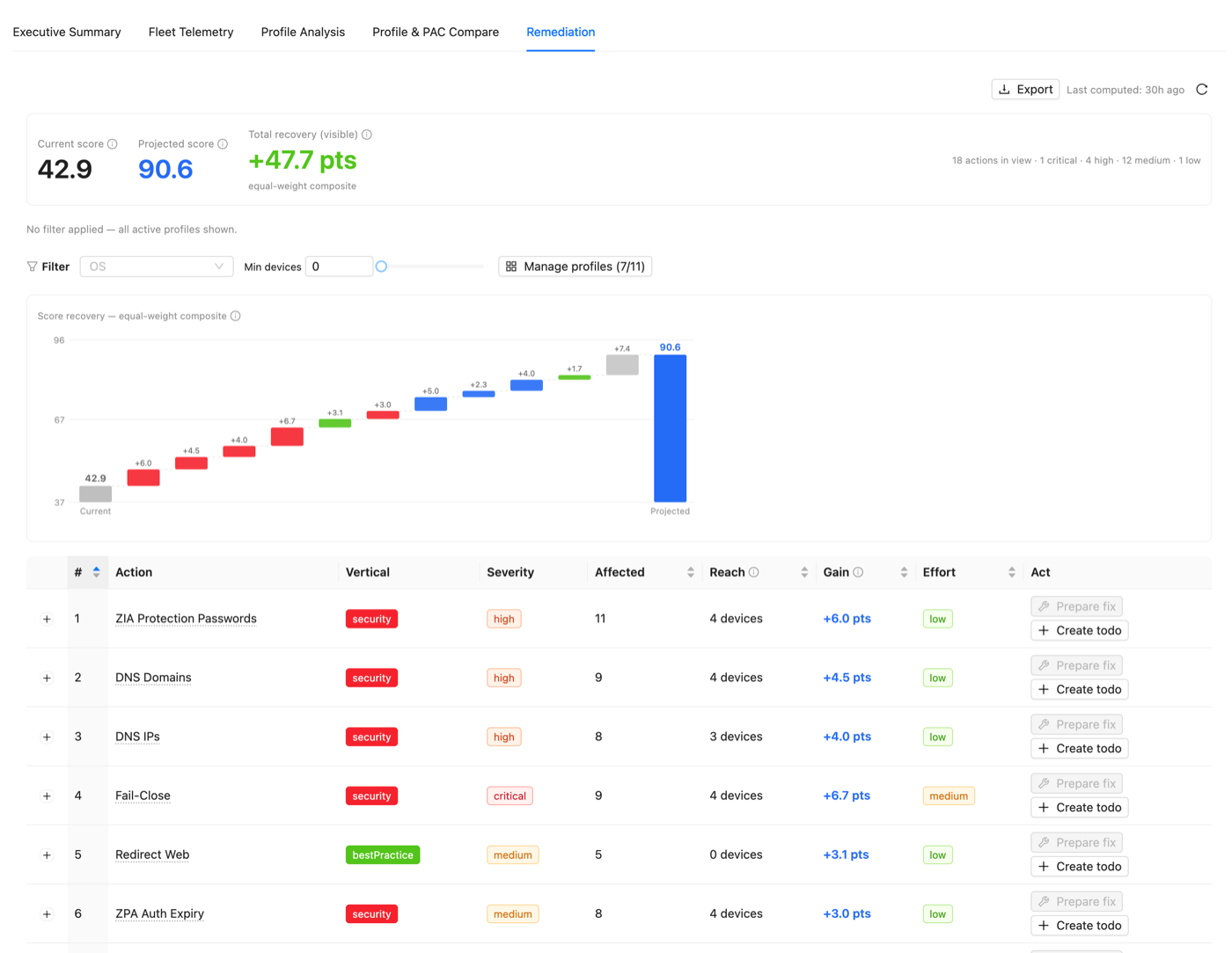
Best-practice analysis reaches your Client Connector fleet
The same finding-to-fix approach scores your ZCC App Profiles, Forwarding Profiles and PAC files against best practice, so the check-up nobody wants to do by hand becomes a ranked, fixable list. Explore it on the Security Posture page.
From scan to safe fix in four steps
Step 1
Scan continuously
Smart Analysis runs lightweight checks in the background, with instant alerts for critical findings. Zero configuration required.
Step 2
Prioritize by impact
Every finding is classified by severity: Critical for weak configurations that need immediate attention, High for significant risks, Medium for optimization opportunities, Low for incremental improvements, Info for best practice guidance.
Step 3
Review resolution proposals
ZHERO does not just flag issues. Each finding includes a detailed explanation of the problem and the specific steps to remediate it, and many come with a proposed change ready to review.
Step 4
Apply with confidence
Nothing changes automatically. You review each proposal, and supported change types can be staged and applied through ZHERO's guided change workflow. Everything else comes with step-by-step remediation guidance.
Without ZHERO vs With ZHERO
Questions, answered
Does my Zscaler configuration leave my browser?
Does Smart Analysis change my configuration automatically?
What do the analysis templates cover?
Will continuous scanning slow down my browser or my tenant?
How do I know which findings to fix first?
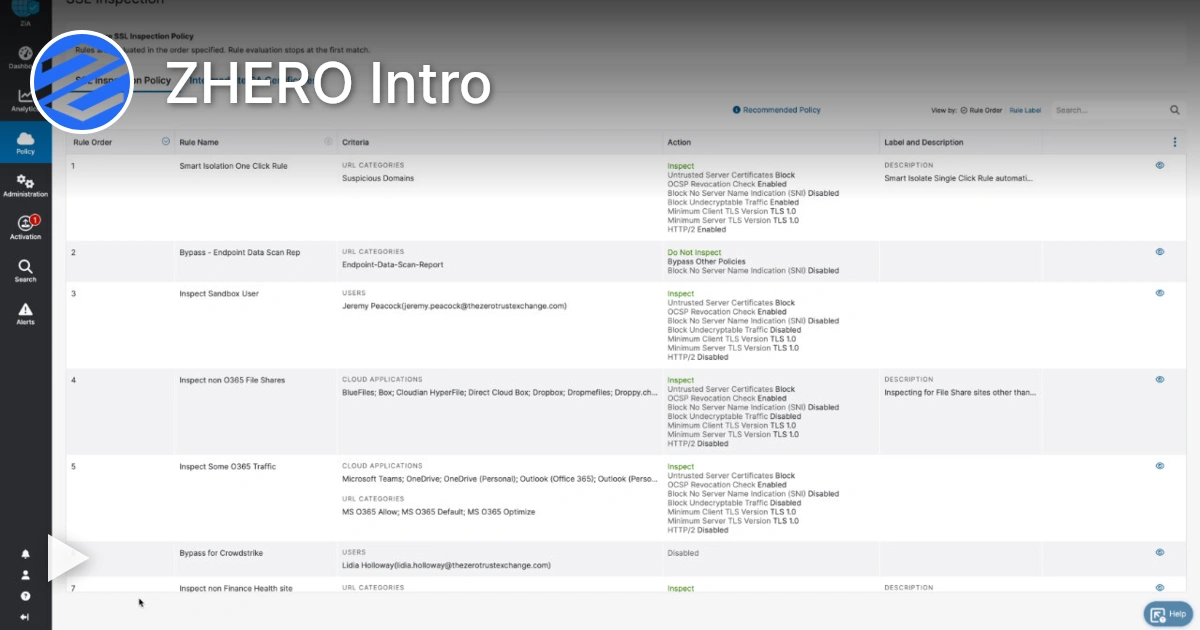
Smart Analysis in action
Watch a 4-minute demo.
Ready to see Smart Analysis in your tenant?
Start Your Transformation!
Install in two minutes. No servers, no migration, no training.