QUIC and Zscaler: block it until native inspection reaches your tenant
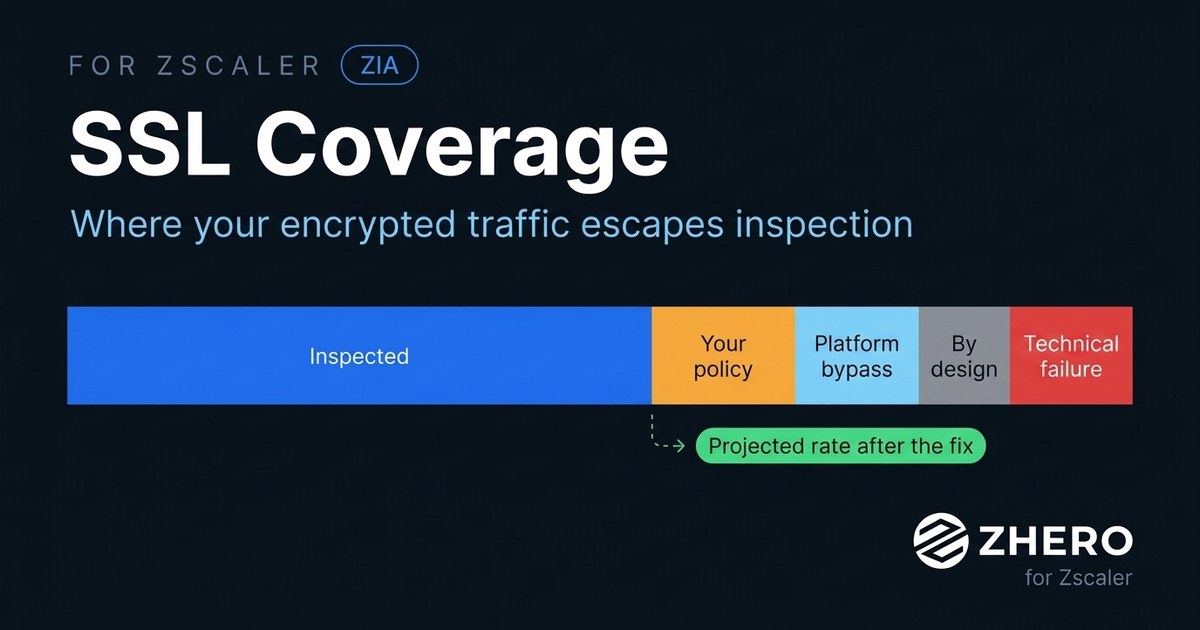
Browsers use QUIC over UDP 443 when they can. Without native QUIC inspection, that traffic escapes SSL inspection. How to block it, per forwarding method.
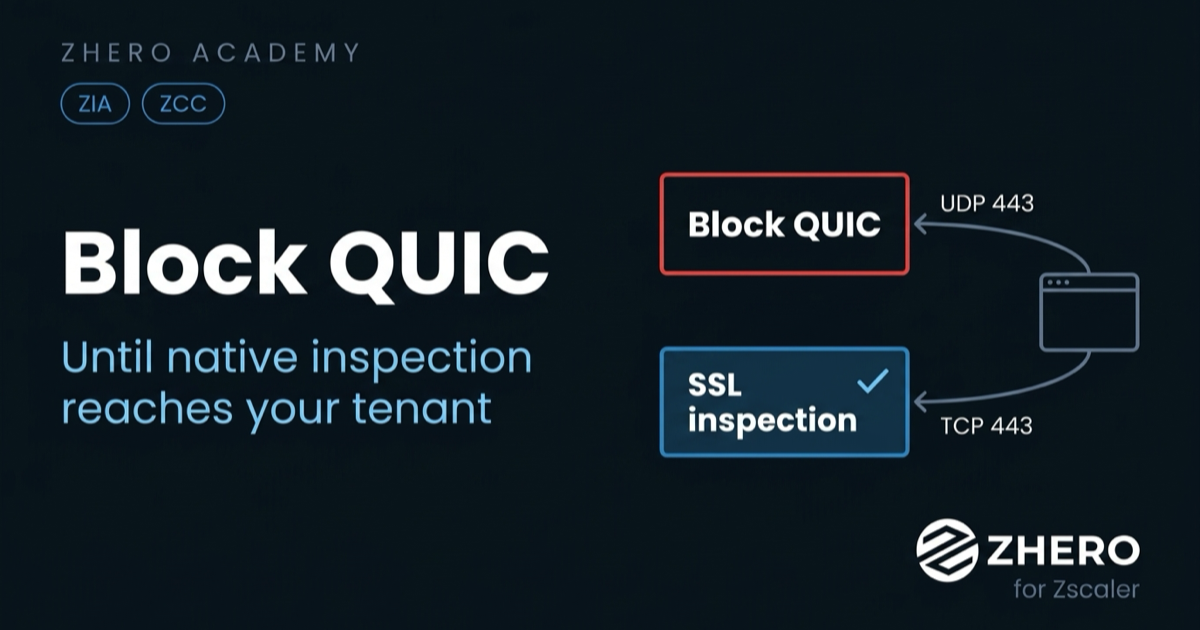
Browsers use QUIC, the UDP transport under HTTP/3, whenever a site offers it. Unless native QUIC inspection is available and enabled in your tenant, that traffic is not SSL-inspected. Zscaler’s recommendation is to block QUIC so browsers fall back to TCP on port 443, where inspection applies. Where to block it depends on how traffic reaches Zscaler.
Why QUIC slips past inspection#
QUIC runs on UDP port 443 and encrypts more of the connection than TLS over TCP does. Proxy-based inspection is built around TCP, and Zscaler itself has described QUIC as difficult for proxy-based security tools to inspect.
Chrome and Edge try QUIC first with the large services that support it. If nothing stops them, a share of your web traffic, often the most used destinations, travels in a way your SSL Inspection policy never sees. Your rules are not wrong. They are simply not asked.
What changes with native QUIC inspection#
Zscaler is bringing native inspection of QUIC. In September 2026 it described native enforcement for QUIC, HTTP/3 and WebTransport in ZIA as in beta, with limited availability expected later in the year, for traffic forwarded with Client Connector, Zero Trust Branch and GRE or IPsec tunnels.
That is good news, and it does not change today’s checklist. Until native inspection is available and enabled for your tenant, the block is what keeps QUIC traffic inside your policy. When it arrives, removing the block becomes a decision to take on purpose, with a test, not a cleanup to forget.
How to block it, per forwarding method#
Zscaler’s guidance is that blocking QUIC and falling back to TCP does not hurt user experience: the browser tries QUIC, fails, and uses TCP 443 instead.
- GRE or IPsec tunnels, and Client Connector with Z-Tunnel 2.0. UDP reaches Zscaler, so create a Firewall Filtering rule that blocks QUIC. Place it above any rule that allows UDP 443 or all traffic for the same users and locations: firewall rules are evaluated in order, first match wins.
- Client Connector with Z-Tunnel 1.0. Only web traffic is forwarded, so UDP 443 leaves the device directly and a Zscaler firewall rule never sees it. Block UDP 80 and 443 on the device firewall, or disable QUIC with a browser policy.
- Tunnels that carry only TCP 80 and 443. UDP never reaches Zscaler here either. Block QUIC on the branch firewall.
If you use more than one method, and most tenants do, you need the block in more than one place.
Check that the block works#
A Block QUIC rule that exists is not the same as a Block QUIC rule that matches.
- Read the firewall policy top-down. Look for any rule above the block that allows UDP 443, a broad network service group, or all traffic. If one matches first, the block never runs.
- Check the network service. Make sure the rule targets QUIC or UDP 443, not only TCP.
- Look at the logs. Filter firewall logs on UDP 443 for a day. On tunnel and Z-Tunnel 2.0 traffic you should see blocks, not allows.
- Test from a device. Open a site that supports HTTP/3 and check in the browser’s developer tools that the protocol is h2, not h3.
This is a small check with a large effect, which is why it belongs in a configuration hygiene review. To see how much of your traffic is inspected, and which rules decide what is not, read how SSL Coverage works.
The shortcut#
ZHERO’s firewall analysis flags a QUIC leak when a rule lets QUIC through before any block, and recognizes a Block QUIC rule that is already doing its job. When the leak is real, the fix prepares a Block QUIC rule placed right above the rule that lets QUIC through, as a pending change you review and execute.
Bring your tenant to a demo and we will read your firewall policy together, on your configuration. If you want to go further, the demo can become a full proof of concept on your tenant.
Frequently asked questions
Why does QUIC matter for Zscaler SSL inspection?
QUIC carries HTTP/3 over UDP port 443 and encrypts more of the connection than TLS over TCP. Proxy-based inspection works on TCP, so unless native QUIC inspection is available and enabled for your tenant, QUIC traffic is not inspected. Blocking QUIC makes browsers fall back to TCP, where SSL inspection applies.
Does blocking QUIC break websites?
Zscaler's guidance is that blocking QUIC and falling back to TCP does not negatively affect user experience. Browsers try QUIC, fail, and use TCP on port 443 instead, which every site that offers HTTP/3 also supports.
Zscaler announced native QUIC inspection. Do I still need to block it?
Until it is available and enabled for your tenant, yes. Zscaler described native enforcement for QUIC, HTTP/3 and WebTransport as in beta in September 2026, with limited availability expected later in the year. Check its status for your tenant before removing the block.
Where do I block QUIC if users connect with Client Connector?
It depends on the tunnel. With Z-Tunnel 2.0 or a GRE or IPsec tunnel, UDP reaches Zscaler, so a Firewall Filtering rule that blocks QUIC does the job. With Z-Tunnel 1.0, only web traffic is forwarded, so UDP 443 leaves directly: block it on the device firewall or with a browser policy.