What belongs in a configuration hygiene review, and what does not
A Zscaler hygiene review checks rules that never match, exceptions that outlived their reason, unused objects and who holds which role. Not redesigns.
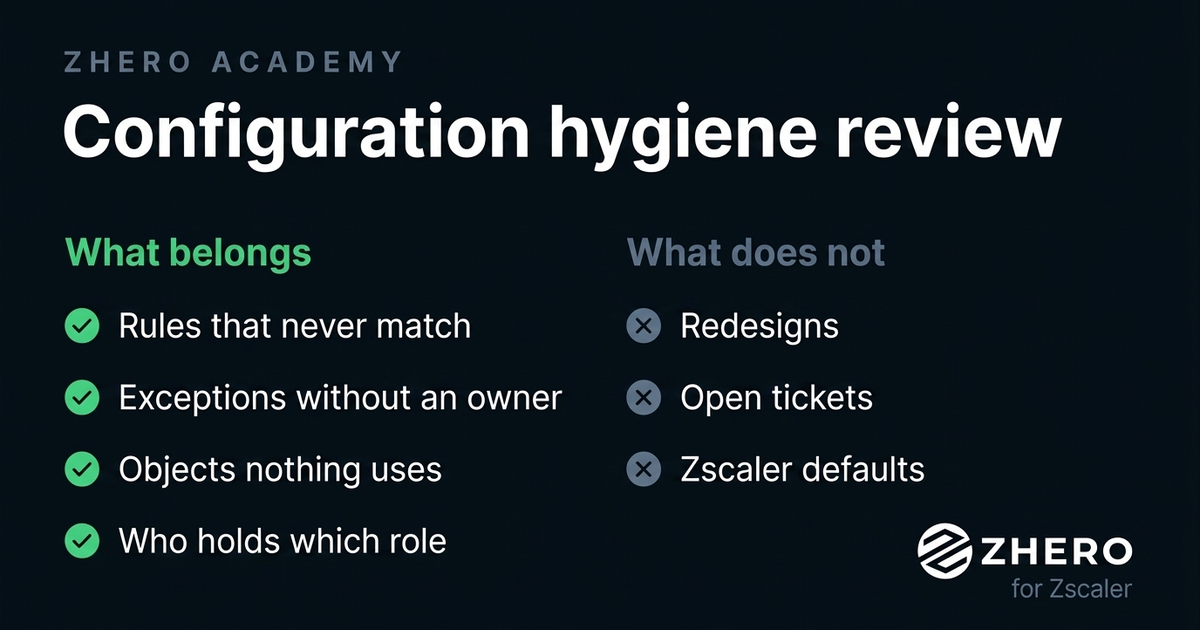
A configuration hygiene review is a recurring check of your Zscaler tenant for configuration that no longer does what anyone intends. Four things belong in it: rules that can never match or never do, exceptions that outlived their reason, objects nothing uses, and who holds which role. Redesigns, open tickets and Zscaler’s own defaults do not. The output is decisions with owners, not live changes.
Why it needs a name#
In September we defined configuration drift as the distance between the configuration you designed and the one you are running today. Drift has three engines: the exception that outlived its reason, turnover, and scale beyond reading. None of them is a failure of discipline. Drift is simply the default state of a tenant that is actually being used.
That is why it has to be measured on purpose. No alert fires when a rule stops being needed, and nothing turns red when a temporary exception becomes permanent. Without a named, recurring review, the work joins the mental list every Zscaler admin carries: known, important, and always next quarter.
A hygiene review is the smallest thing that fixes that. Not a project, not an audit. A fixed set of checks, run the same way every quarter, with a list of decisions at the end.
What belongs in the review#
1. Rules that can never match#
A rule that sits below a broader rule with the same action, or with criteria that already cover it, never gets evaluated. It looks like policy, and it is documentation of an intention that is not enforced.
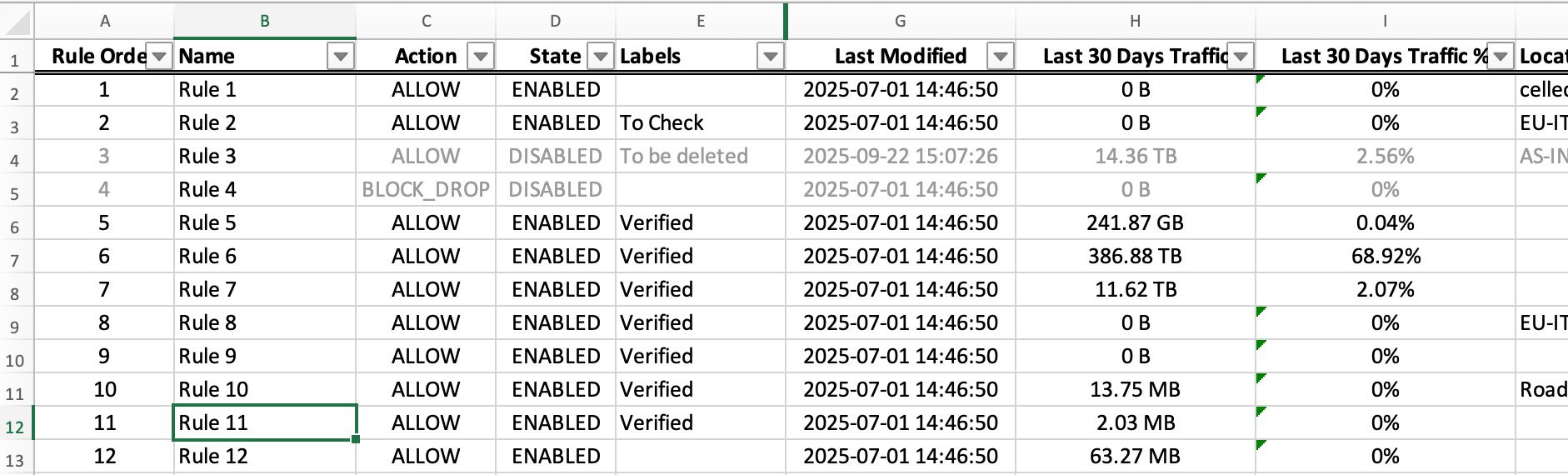
Check by hand. Read each policy top-down: URL Filtering, Cloud App Control, Firewall, SSL Inspection, and on the private side the ZPA access policy. For every rule, ask whether a rule above it already matches everything it matches. Pay attention to rules with criteria set to any, and to groups that contain the users or locations named lower down.
2. Rules that have not matched in months#
A rule that can match but has not, in 90 days, is either protecting against something rare or protecting against nothing. Both are fine, as long as somebody knows which.
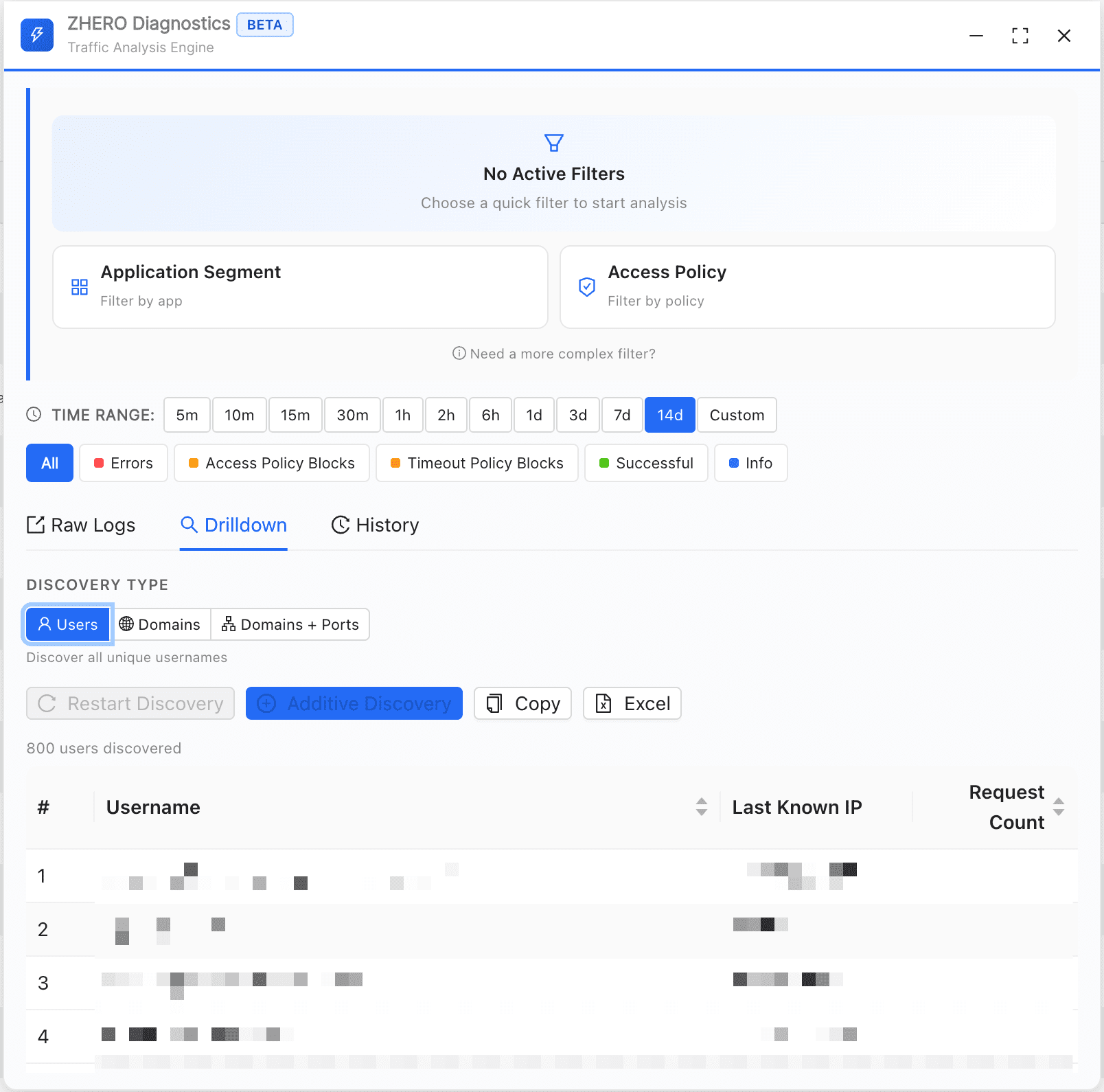
Check by hand. For the rules you are not sure about, filter the logs by rule name over the longest window you have. A rule with no hits goes on the list with a question for its owner, not straight to deletion.
3. Exceptions that outlived their reason#
This is where most of the risk lives. Do Not Inspect rules added when an application broke under inspection. URL allow lists widened for a launch. A wildcard on a content delivery network that quietly exempts far more traffic than the one service it was meant for. Authentication bypasses, forwarding exceptions in PAC files, posture criteria relaxed during a troubleshooting call.
Check by hand. List every exception across SSL Inspection, URL Filtering, authentication and forwarding. For each one, write down three things: who asked for it, why, and until when. An exception that cannot answer all three goes on the list. Wildcards get a second look on their own, because their reach grows every time the provider adds a host.
4. Objects nothing uses#
Custom URL categories, IP groups, location groups and application segments that no rule references. They are harmless until someone reuses one without knowing what it contains, or assumes it is still enforced somewhere.
Check by hand. For each custom object, find the rules that reference it, directly and through groups. An object with no references is a deletion candidate; an object referenced only by disabled rules is the same case in disguise. On ZPA, read application segments with wildcard domains as their own item: a segment that matches more than anyone intended is a black box with a policy on top.
ZPA grows its own debris in the delivery chain: server groups no segment uses, server groups with no connector group behind them, connector groups with no connectors, machine groups nothing references. None of them breaks anything today, and all of them make the next access question slower to answer.
5. Who holds which role#
Admin accounts of people who changed team, partner accounts from a project that ended, roles granted for a migration and never narrowed. With role management moving to one page across products, and with AI agents now able to act with a role an admin grants them, this check matters more each quarter.
Check by hand. Export the admin list with roles and last login. For each account, confirm the person still needs it and still needs that scope. Then read the audit logs for the quarter and look for changes made by accounts nobody expected.
On ZPA, the same question applies to access rules. A rule with no identity condition is open to anyone who reaches the segment, and a rule written on individual users instead of groups is a leftover that nobody will remember to remove when those people leave.
6. The client fleet#
Client Connector app profiles, forwarding profiles and PAC files drift too, and they decide what reaches Zscaler at all. A profile that no device uses, or a PAC file that sends traffic direct for a reason nobody remembers, belongs in the same review.
Check by hand. For each app profile, count the devices on it and note the forwarding profile and PAC file it uses. Profiles with no devices are deletion candidates; combinations used by a handful of devices are usually leftovers from a pilot.
What does not belong#
A review that tries to cover everything ends up covering nothing. Keep these out.
- Redesigns. If the review shows that the policy structure itself no longer fits, write that down as one finding and open a project. Redesigning in a review meeting turns a quarterly habit into a quarterly ordeal, and the next one does not happen.
- Open tickets. A user who cannot reach an application is an incident with its own process. The review looks at the configuration as a whole, not at one person’s afternoon.
- Zscaler’s own defaults and service domains. Exemptions that exist by design are not drift. Confirm they are the recommended ones and move on.
- Fixing things live. The review decides; the change process applies. Every finding leaves the room with an owner, a decision (remove, narrow, or keep and document) and a date.
- Opinions without a measure. “This policy feels too permissive” is a conversation. “This rule exempts these destinations from inspection, and nobody owns it” is a finding.
How to run it#
Keep it to two hours. Run the checks in the same order every time, and keep last quarter’s list open next to this quarter’s: the useful number is not how many findings you have, it is how many came back.
At the end, every finding is in one of three states: removed or narrowed, kept and documented with an owner and an expiry date, or scheduled with a date. Anything else means the review has not finished.
The shortcut#
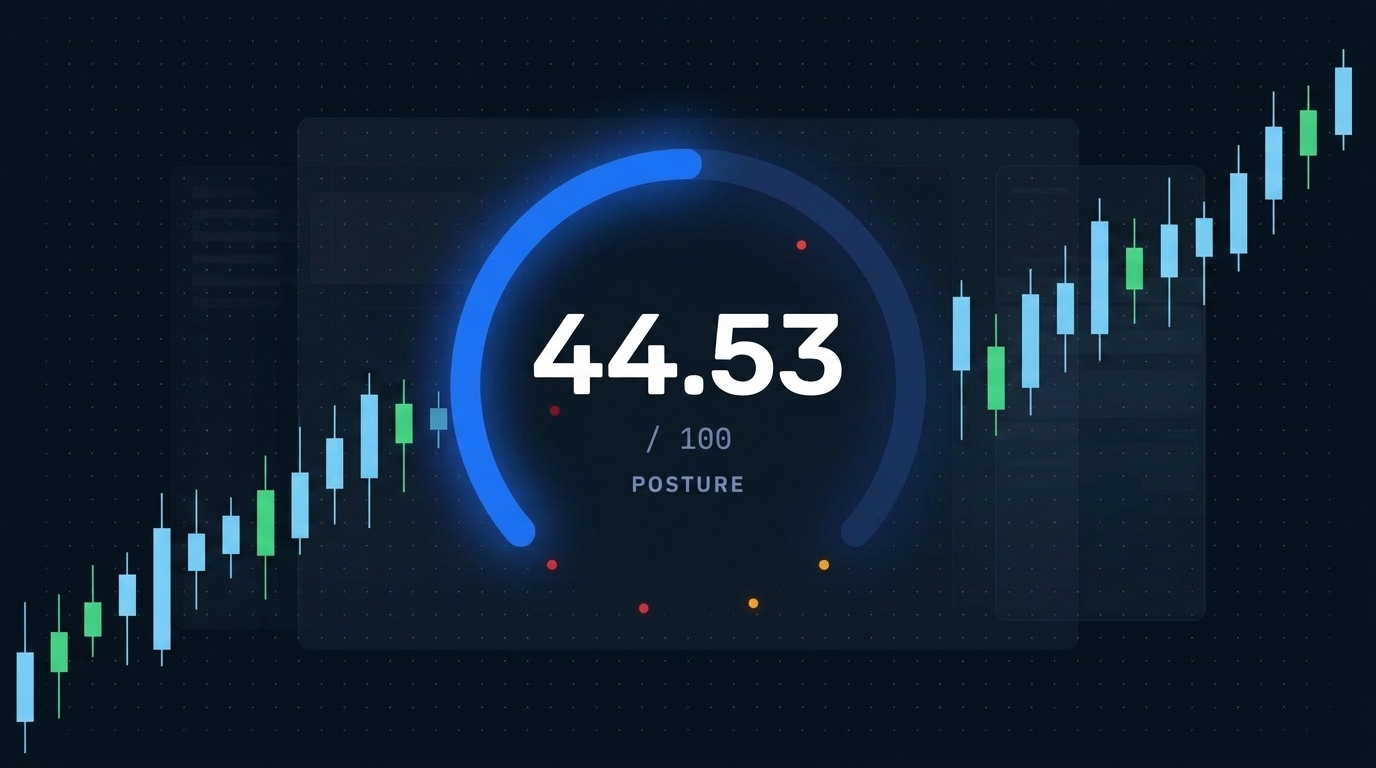
ZHERO turns most of these checks into a lookup instead of a quarterly afternoon. Unreachable policy detection flags the rules that sit behind a broader one across the whole policy, every entity shows how many rules use it, and the analysis templates behind the posture score check exceptions, wildcards and client profiles the same way every time, including the unused ZPA server, connector and machine groups and the ZPA access rules without identity or written on single users, so the review starts from a measured list rather than a blank page. More on Smart Analysis.
Bring your tenant to a demo and we will run the first review together, on your configuration, in about an hour. If you want to go further, the demo can become a full proof of concept on your tenant.
Frequently asked questions
What is a configuration hygiene review?
A recurring, time-boxed review of a Zscaler tenant that looks for configuration that no longer does what anyone intends: rules that cannot match, exceptions that outlived their reason, objects nothing uses, and access nobody remembers granting. Its output is a list of decisions with owners, not a set of changes made in the meeting.
How often should we run it?
Quarterly works for most tenants, and the method matters more than the frequency. Run the same checks the same way every time, so the result can be compared with the last one and the distance from the intended configuration becomes a trend rather than an impression.
Who should be in the room?
The admins who change the tenant, someone who can decide on exceptions for the business, and whoever owns the change process. If a partner or MSSP manages the tenant, they belong in it too, because half of the exceptions usually came through them.
Should we fix things during the review?
No. The review decides, the change process applies. Each finding gets an owner, a decision (remove, narrow, or keep and document) and a date. Changing rules live in the meeting is how a hygiene review causes the outage it was meant to prevent.
Do Zscaler's recommended exemptions belong in the review?
Only to confirm they are still the recommended ones. Exemptions that exist by design, such as Zscaler service domains, are not drift. Spending review time debating them takes time away from the exceptions your own team added and nobody owns.