Narrowing ZPA wildcards: start from the logs, finish with the application owner
Logs show what a ZPA wildcard carries; only the application owner knows what it should. A method to narrow broad segments one application at a time.
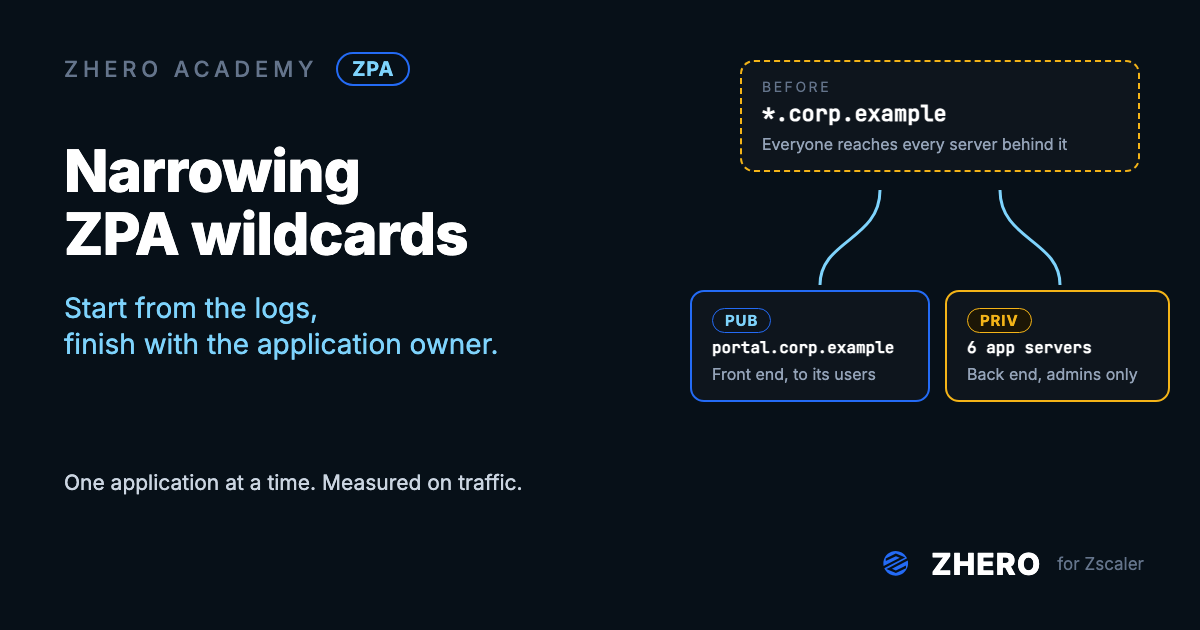
To narrow a broad ZPA segment you need two sources. The logs tell you which hosts, ports and users the wildcard really carries. The application owner tells you what the application is made of and who should reach which part of it. Combine them one application at a time, split the public front end from the private back end, and measure progress on the traffic still flowing through broad segments.
The ZPA segmentation kit packs the method for your first round: a one-page Zero Trust explainer to send to application owners, the checklist, the email templates and the inventory workbook.
Why the logs are not enough#
Every ZPA rollout starts with a few wildcards. *.company.com on the usual ports keeps users
working while the real map of applications is still unknown. As a first step, it is the right
choice. The trouble starts when the first step becomes the
architecture: months later the wildcard still carries most of the traffic, and anyone who reaches it
reaches every server behind it.
The logs help, and they help a lot. They show which hostnames and addresses are reached, on which ports, with which outcome, and by which users. We wrote about how to open the box in the wildcard black box.
What the logs cannot tell you is intent. They show what was used in the window you queried, not what exists. A disaster recovery host that nobody touched in two weeks is invisible. A test environment reached by one developer looks like noise. And nothing in a log says that a server is an administration console that ordinary users should never see.
That knowledge lives with people. Narrowing wildcards is a very human project, not only a technical one.
Two fronts, one application at a time#
The method runs on two fronts at once.
From the bottom, the logs. Take the wildcard and list what it carries: hostnames and addresses, ports, outcomes, then the users behind each destination. Group what you find by application, not by hostname.
From the top, the owner. Ask the person responsible for the application for the complete list of everything it is made of, for each environment: hostnames, server addresses, virtual IPs, aliases and ports. Not “is this hostname yours?”, but “tell us all of it”.
Then fix one application at a time. Moving one hostname at a time out of a wildcard feels like progress and produces a hundred small segments nobody can explain. Moving an application, with its complete inventory, produces segments that match something real and that the owner recognises. The method step by step, with the public and private split, the naming convention and the measures, is in the ZPA Segmentation guides of the ZHERO manual.
Finding the owner#
The configuration management database is the obvious place to look, and it is often half the answer. It usually knows servers by hostname and address. It rarely knows the front ends, the virtual IPs on the load balancers, or the aliases users actually type.
So work backwards from the name. Hostnames in a large organisation usually follow a convention, and the segments of a name often carry the code of the application or the system it belongs to. From the code you get to the application record, and from the record to its owner. Expect the registered contact to be out of date more often than not, and ask whoever you reach to confirm that the application is still theirs. The questions to ask, and a template email for the first contact, are in Preparing the Application Owner Interview. The kit adds a one-page explainer you can attach to that email, so the owner understands why you are asking before answering.
Public and private: the question that shrinks a wildcard#
This is the insight that does most of the work. An application is rarely one thing. It has a front end that users need, typically a virtual IP on a load balancer, and a back end that only administrators and developers need: application servers, databases, management consoles.
A wildcard does not know the difference. Everyone who reaches it reaches all of it.
Take an illustrative identity management application with six servers. The load balancer publishes two of them. In the logs, thousands of users reach the load balancer’s hostname every day, and only the two administrators of the platform ever touch the servers directly. Yet today any user can open a connection to all six.
The fix is two segments instead of one wildcard:
- Public: the front end, granted to everyone who uses the application.
- Private: the servers behind it, granted only to the administrators’ group.
The same question works in reverse. A logging platform published with a dozen hostnames, open to every user, turns out to carry traffic only to its two front ends, from a few dozen people in two weeks. Is it really for everyone? Sometimes it is. Often the honest answer is a public segment for a named group and nothing at all for the rest.
Name it so you never ask twice#
Once an application is mapped, write down what you learned where the next person will find it: in
the segment itself. A short marker in the name says which part it is, for example PUB, PRIV or
MIX for a segment that still mixes both. The description carries the application code and the
owner. A year from now, nobody has to repeat the tour of the organisation to understand why the
segment exists.
The group question#
Segmentation decides what can be reached. Groups decide who. Keep two kinds apart:
- Access groups decide who reaches the application at all. They are what ZPA access rules should be written on.
- Profiling groups decide what a user can do inside the application. They live in the application and rarely belong in ZPA.
Sometimes the answer is “there is no group, the application has local accounts”. The useful reply is a question about risk, not a lecture: “So anyone, from any office, can reach server X and try to log in. Do we leave it like that, or is there a group?” Framed as Zero Trust and lateral movement prevention, it is a design question, and a group usually turns up. A shortcut worth trying first: ask the identity team for the mapping between groups and applications that single sign-on or the API gateway already holds.
Where AI segmentation helps, and where it stops#
The AI-powered segmentation in the ZPA console groups destinations by the users who reach them, and that is a strong hint: hostnames reached by the same small population often belong together. It is a good place to start a conversation with an owner. It is not the end of one. Two applications used by the same team look identical from the traffic, and one application used by very different populations can look like two. The human step stays.
Measure traffic, not segment count#
The tempting metric is the number of wildcard segments left. It is the wrong one. What matters is how much of your private access still flows through broad segments. If a thousand generic hostnames carry five percent of the traffic, that is a reasonable place to stop. If one wildcard carries a third of it, that is where the next application interview should go.
Three more numbers keep the project honest:
- the share of applications that every user can still reach;
- segments that carried no traffic in the window, candidates for removal or for a question to the owner;
- a drift threshold: when traffic through broad segments climbs back above it, new hostnames are appearing and the analysis starts again.
The strictest model, where nothing is reachable until it is declared, means removing the wildcards altogether. Few organisations get there, and that is a trade-off between security and cost, not a failure. And once the method works, run it on the segments that already look specific: a precise segment can still mix public and private.
What ZHERO does today, and what stays human#
ZHERO covers the bottom front and the measurement. It does not interview anyone.
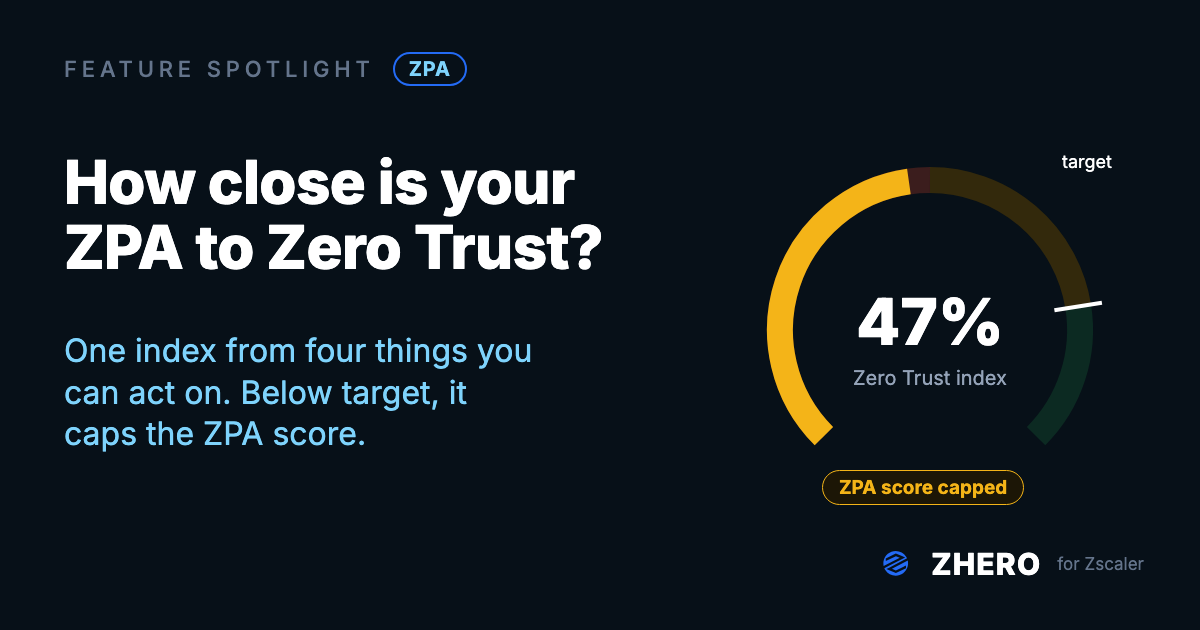
- Zero Trust Coverage classifies every enabled segment by how broad it is and measures the share of ZPA traffic through broad segments over the last 14 days, with a target of 5%. It also shows segments without traffic, ALLOW rules written on groups and ALLOW rules without identity, with a daily trend.
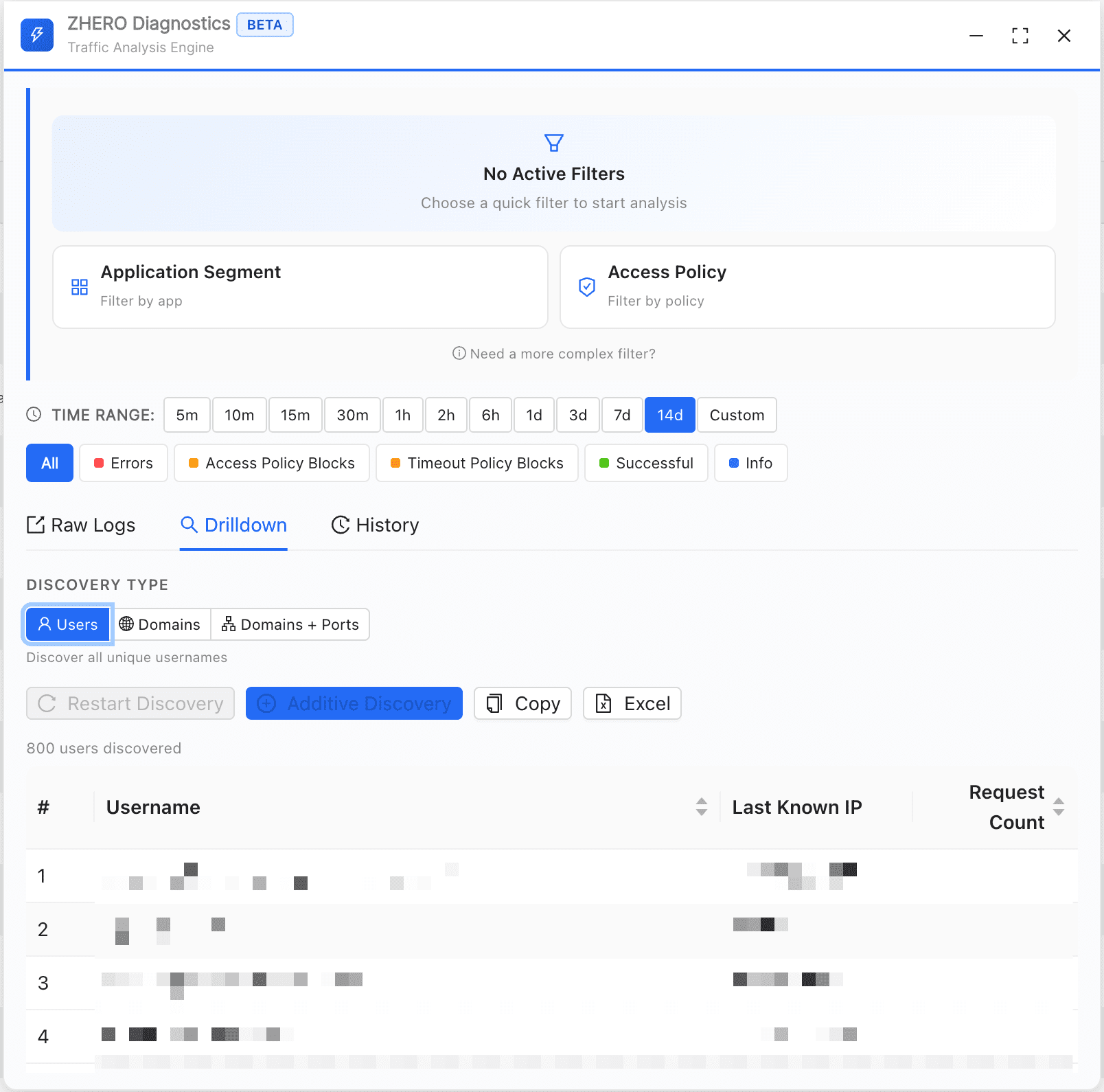
- Investigate traffic, next to a broad segment, opens ZPA Diagnostics on that segment with the hostnames and ports really used already being enumerated. The Users discovery lists who reaches it, and the result exports to Excel for the owner.
- The Usage tab of a segment shows the hosts seen behind it and the rules that actually serve it, without running a report.
- Once the owner confirms the inventory, Prepare segment turns the ticked hosts and ports into a new segment carved out of the wildcard, with the ports seen but left out listed, and stages it in pending changes with the access rules to update. Nothing reaches Zscaler until you apply it.
The inventory from the owner, the reverse engineering from the CMDB, the public and private split, the naming convention and the conversation about groups are still your work. That is the part this method is about. More on what ZHERO reads in ZPA is on the ZPA platform page.
Bring your tenant to a demo: we will look at which broad segments carry your traffic and pick the first application to interview, together.
Frequently asked questions
How do you narrow a wildcard application segment in ZPA?
Work on two fronts. From the logs, list the hosts, ports and users the wildcard really carries. From the application owner, get the complete inventory of hosts, addresses and ports per environment. Then move one application at a time into its own segments, split into the part everyone uses and the part only administrators need.
What is the difference between a public and a private application segment?
The public part is the front end users need, usually a load balancer or virtual IP. The private part is everything behind it: application servers, databases, administration consoles. The public part goes to every user who needs the application; the private part only to administrators and developers.
Can ZPA's AI-powered segmentation do this for me?
It is a good starting point. Grouping destinations by the users who reach them is a strong hint, but it can merge different applications that happen to share users. A person who knows the application still has to confirm the boundaries.
How do you measure progress in narrowing ZPA segments?
Measure the share of traffic that still flows through broad segments, not the number of segments. A thousand generic hostnames carrying five percent of the traffic is an acceptable state; one wildcard carrying a third of it is a project.